WWorklog

Work visibility without hidden tracking.

Worklog gives teams a clear record of time, projects, and activity while keeping tracking visible and privacy controls close to the employee.

Worklog desktop

Today

Tracking active
Tracked2h 14m
Activity94%
ProjectAtlas
Work timelineToday
Design system
Client portal
Planning

Recent activity

/ Updated task notesNow
/ Tracking paused11m

Projects

AtlasActive
PortalActive
ResearchActive
Privacy processed
Tracking is visibleEmployees can see when tracking is active, paused, syncing, or needs attention.
Privacy processedOnly privacy-processed screenshots are accepted through short-lived upload URLs.
Review with contextProjects, time, processed timelines, and reports stay connected for the team.

One clear workflow, from desktop to review.

Employees track against a project with direct controls. Managers get the context they need to review time, guide work, and keep policies consistent.

Track with intent

Start, pause, resume, and stop work against the right project. Offline work is queued safely until it can sync.

Give employees control

Clear tracking state, manual-time requests, and local status make the process understandable instead of hidden.

Review the work record

Use processed timelines, time review, exports, policy settings, and audit trails from the dashboard.
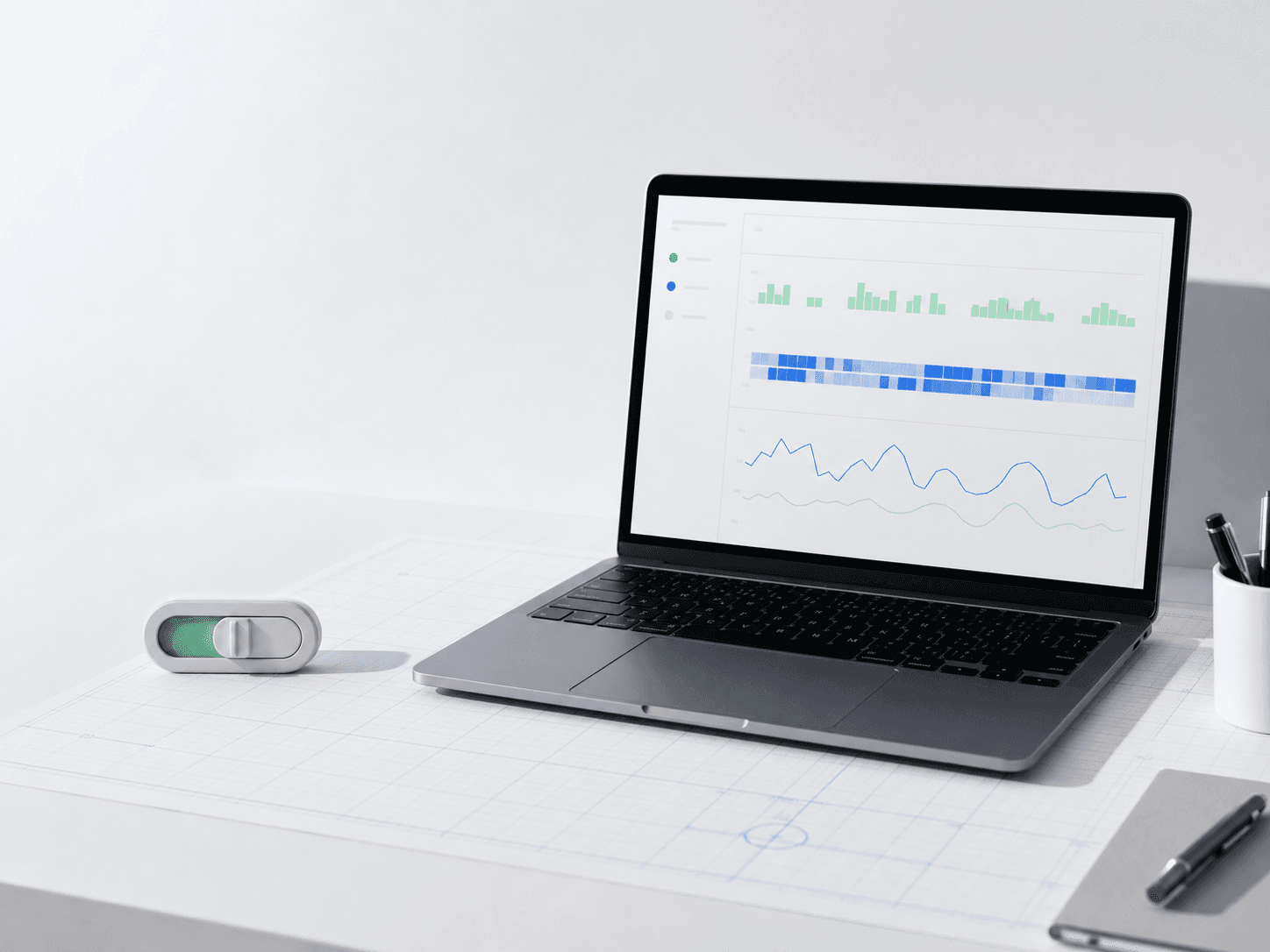
Laptop showing an abstract work timeline beside a physical privacy control

Privacy is part of the product, not a setting buried in admin.

Worklog is built to make policy, capture state, and employee control clear. It does not record keystrokes, clipboard contents, webcam, microphone, raw screen recordings, or raw screenshots.

Raw screenshots are never accepted by the backend.
Uploads require privacy and local-processing attestation metadata.
Sensitive policy changes are recorded in the audit trail.

The desktop app keeps work moving.

Install Worklog on the machine where work happens. The app handles tracking state, local queues, privacy processing, upload sync, and update readiness.

Windows desktopWindows 10 and 11
Download
macOS desktopApple Silicon
Download

Your organization controls sign-in, device approval, project access, and tracking policy from the dashboard.

Build a work record your team can understand.

Start with a workspace, set the policy, and invite the people who need it.